02 · Article
On this page23 sections
- The problem with audio files
- Authenticity matters
- The Web Audio API is enough
- The tiny audio system
- The browser constraints
- Tuning for feel
- The six sounds I needed
- The marching step
- The laser shot
- The explosion
- The UFO warble
- The reward cue
- The hit sound
- What surprised me
- Why this approach matters
- The tradeoffs
- Debugging and iteration
- What I would do next
- If you want to try it
- The real lesson
- Related Guides
- Related Stories
- Learn More
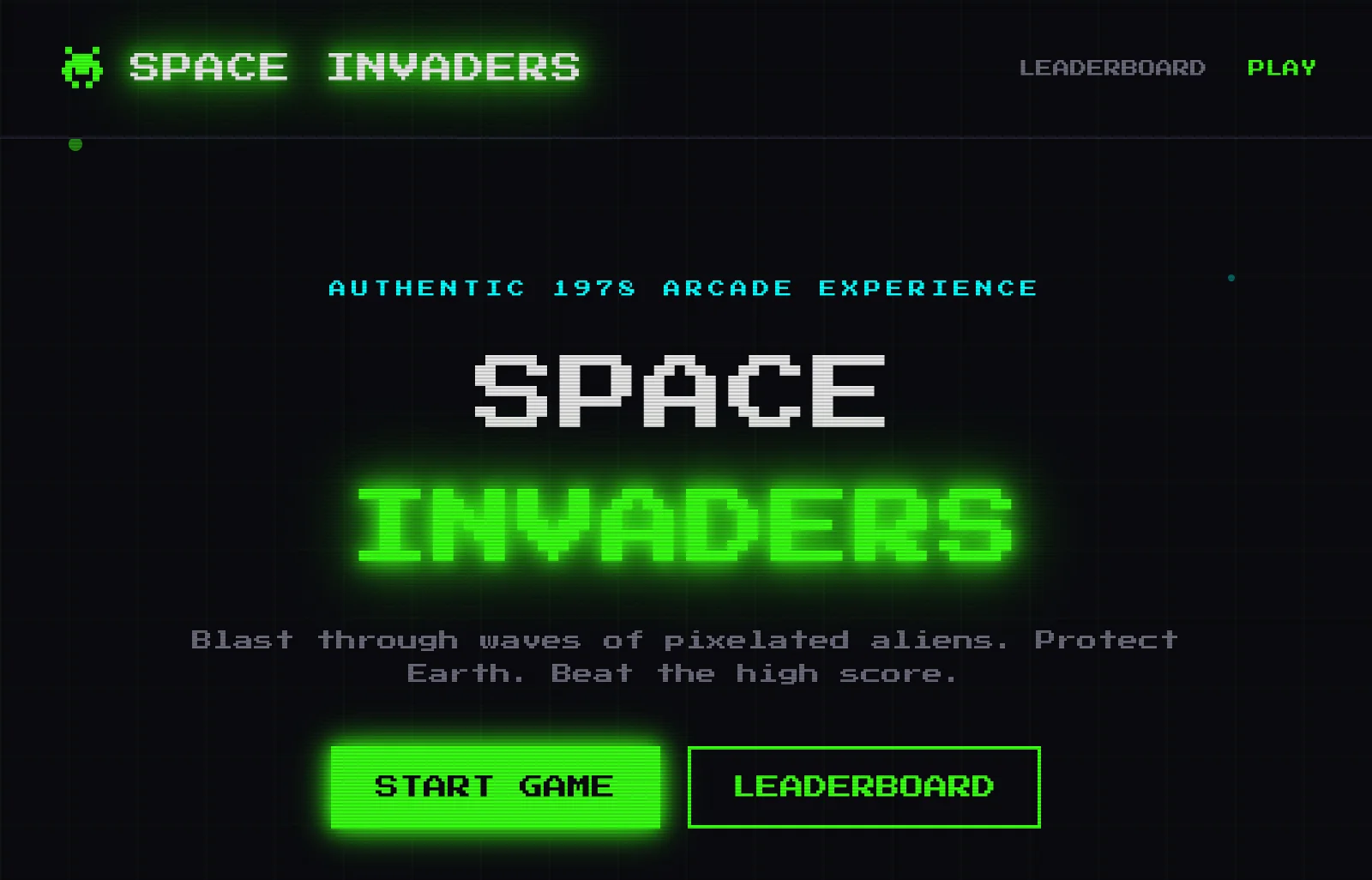
I made retro game sounds with zero audio files.
When I rebuilt Space Invaders for the web, I wanted the audio to feel authentic. The obvious move was to download some WAVs and ship. I did the opposite. I went procedural.
Every sound in the game is generated at runtime using the Web Audio API. No MP3s. No WAVs. No dependencies. Just oscillators, noise, and a few envelopes.
Here is how I approached it and why I think more web games should do the same.
The problem with audio files
Audio files look easy until you ship a real product.
They add weight. They add loading logic. They add licensing headaches. If you want to change a sound, you have to re export it or go hunting for a new file. None of that is fun when you are trying to move fast.
For a retro game, it also feels wrong. The original Space Invaders did not have audio files. It had hardware. I wanted the rebuild to keep that spirit.
Authenticity matters
Retro games are simple, but they are not shallow. The sound is part of the feel. If the audio is too clean or too modern, the whole experience feels off.
Procedural audio keeps the imperfections that made those games iconic. Square waves are sharp. Noise is messy. Those textures are not bugs, they are the character.
This is why I wanted to generate the sounds instead of shipping files. It is not just about speed. It is about matching the vibe of the original hardware.
The Web Audio API is enough
The Web Audio API is built into modern browsers. It gives you oscillators, gain nodes, filters, and the ability to shape sound in real time.
That is all you need to build a tiny sound engine. You do not need a giant audio library. You do not need a special runtime. You need a few building blocks and a willingness to tweak them.
The tiny audio system
I built a small audio system with a single AudioContext, a master gain node, and a handful of helper functions.
The rules were simple:
- Create the AudioContext after user interaction
- Route every sound through a master gain
- Keep each sound as a tiny function
- Stop each oscillator quickly to avoid leaks
Once that system existed, adding a new sound felt like writing a short recipe.
The browser constraints
Browsers do not let you play audio until the user interacts. That is a good rule for the web, but it catches a lot of people off guard.
I solved it by initializing the AudioContext on the first click or key press. After that, the system stays ready. It is a small detail, but it matters. If you do not handle it, half your users will think the game is broken.
It is also why I keep the audio system small. I want it to initialize fast and fail gracefully if the browser blocks it.
Tuning for feel
The difference between a good retro sound and a bad one is in the timing. Attack and decay times matter more than the waveform itself.
I spent time tuning the envelopes. A laser that lasts too long feels weak. An explosion that is too short feels cheap. Those tiny changes shape the whole feel of the game.
Procedural audio makes that tuning fast. You change a number, hit refresh, and feel the result.
The six sounds I needed
The game only needed six sounds. That made the problem small enough to solve cleanly.
- Marching steps using cycling square waves
- Laser shots with short ADSR envelopes
- Explosions built from layered noise and lowpass filters
- UFO warble using frequency modulation
- Reward cue using an ascending arpeggio
- Hit sounds with sawtooth sweeps
Each sound is just a few lines of logic with a handful of parameters. That is the beauty of procedural audio. Once you understand the shapes, you can make whatever you want.
The marching step
The marching step is iconic. It is a simple sequence of notes that speeds up as the invaders get closer.
A square wave gives it the harsh, digital sound that feels arcade perfect. Cycling through a small set of frequencies creates the familiar pattern. When the tempo increases, the tension rises.
The sound is simple, but it does a lot of emotional work.
The laser shot
The laser is short and punchy. A quick attack, a short sustain, and a fast release is enough.
An ADSR envelope gives it that classic "pew" without any samples. It is just a square wave and a quick decay.
The explosion
Explosions need weight. White noise through a lowpass filter gives you that boom. Layer in a low tone and you get impact.
This was the trickiest sound to get right. Small changes in filter cutoff make a big difference. It is a good example of why procedural audio is powerful. You can tune the sound in code instead of opening a DAW.
The UFO warble
This one uses frequency modulation to create the wobble. It is the most fun to tweak because tiny changes make it feel alive.
Frequency modulation is an old synth trick. It is also easy to do in the Web Audio API. That is the kind of power you get for free.
The reward cue
The reward cue sound is just a short arpeggio. It is a tiny moment of reward. It signals progress without getting in the way.
Short sounds are often the most important. They reinforce the loop without interrupting the flow.
The hit sound
The hit sound is a quick downward sweep. It is a tiny impact sound that tells the player something happened. A sawtooth wave with a quick sweep does the job.
Again, no files. Just a little math.
What surprised me
Square waves are harsh in the best way. Noise through a lowpass filter makes a satisfying boom. Downward sweeps feel like impact even without a sample.
The Web Audio API has been sitting in browsers for years and barely anyone uses it. That is wild.
Why this approach matters
Procedural audio keeps projects light. It removes asset hunting. It removes licensing headaches. It makes tweaks instant. If you want a slightly brighter laser, you change a number. You do not open a file editor.
It also makes experiments cheap. You can try three variations in five minutes. That speed changes how you build.
The tradeoffs
Procedural audio is not always the right answer. If you need voice, realism, or very specific textures, you will probably want real audio files.
But for retro games, prototypes, and web experiments, it is the perfect fit. It gives you control, speed, and a smaller build surface.
If your game depends on specific recorded moments, you should still use real audio. Procedural sound is not a replacement for everything. It is a shortcut to a specific style and a faster loop.
Debugging and iteration
Debugging audio is mostly about listening. If a sound feels wrong, I isolate it and tweak one parameter at a time. Frequency, duration, and filter cutoff are usually the fastest levers.
Because everything is code, I can version the sounds like any other feature. That makes iteration sane. No hunting through folders. No mystery files. Just a few numbers and a commit.
That workflow is the real win. It keeps audio in the same loop as the rest of the product.
What I would do next
If I keep iterating, I want to add subtle variation. Small random offsets in pitch or timing make repeated sounds feel less mechanical. That kind of nuance is easy when the sound is code.
I also want to expose the audio parameters to a simple debug panel so I can tune in real time. That would turn the sound design into a live instrument instead of a compile step.
If you want to try it
Start with one sound. Pick a square wave. Add a quick decay. Listen. Change the frequency. You will learn faster than any tutorial.
Once you get one sound working, the rest are just variations. The API is small. The possibilities are huge.
The first time you tune a sound live, it feels like playing an instrument, not writing code. That feeling is addictive.
The real lesson
The point is not just that you can do this. The point is that you should.
The web is powerful. People just forget it. Procedural audio is a reminder that the browser can be a real creative environment, not just a delivery mechanism.
Give it a shot today.
If you are building a game or a small experiment, try going fileless. The first time you hear a sound generated in code, the rest starts to feel possible.
Related Guides
- AI MVP in One Week — Rapid prototyping playbook
- Solo Founder AI Stack — The lean stack for builders
- How to Ship AI Products Fast — Ship in weeks
Related Stories
- XP, Streaks, and Badges in a Goal App — Game design for products
- Building in Public: Lessons from NextGame — Shipping games in public
Learn More
For a complete product system, join the AI Product Building Course.