02 · Article
On this page22 sections
- The real problem was not motivation
- Why gamification works
- The mechanics I added
- Streaks are powerful and risky
- Designing rewards for real effort
- The UX of a good reward
- What I tested and cut
- Gamification without manipulation
- Implementation in plain English
- Onboarding the loop
- The difference between habit and novelty
- What I would do next
- The small details that changed everything
- The trap to avoid
- What I wish I knew earlier
- Why this worked for Resolution Tracker
- The bigger lesson
- If you are building a habit product
- The question I keep asking
- Related Guides
- Related Stories
- Learn More
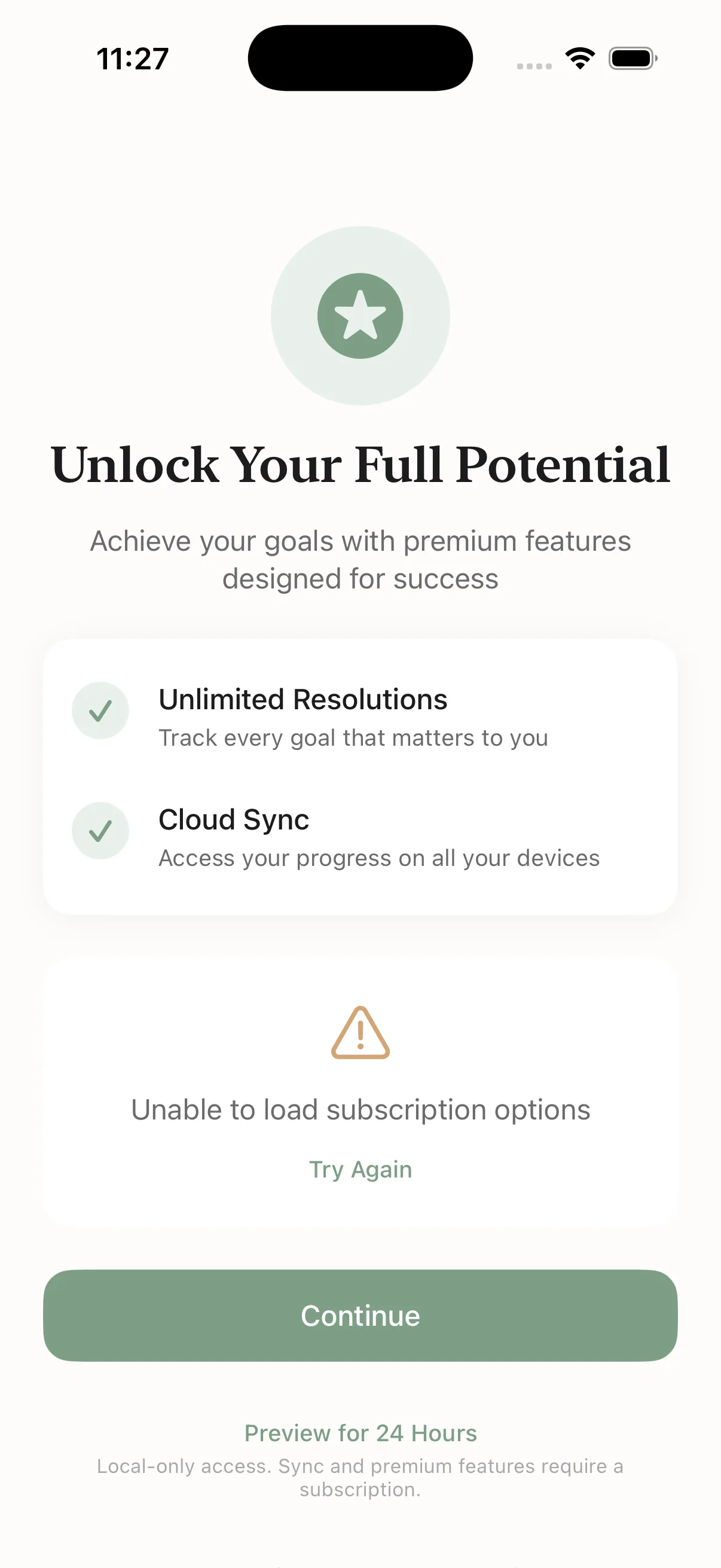
Resolution Tracker started as a simple checklist. Set goals. Check them off. Done.
It was honest. It was clean. It was also boring. People would open it, set goals, and vanish. The app did not fail because it was broken. It failed because it did not create momentum.
So I added a game layer. Retention tripled. That is the short version.
This is the longer version and what I learned along the way.
The real problem was not motivation
Most people do not fail because they lack motivation. They fail because the feedback loop is weak. You do the work and nothing happens. No signal. No reward. No proof you moved.
A checklist is a neutral tool. It does not celebrate. It does not push back. It does not build a habit. It just sits there and waits.
I needed the product to feel alive. I needed the user to feel the effort in the moment, not two months later.
Why gamification works
Gamification is not magic. It is psychology.
Humans are wired for progress indicators. People want to see numbers move. They hate breaking streaks. They collect things because it gives a sense of completion. These are simple instincts that can either be exploited or used to help people stick with good habits.
Duolingo proved this years ago. They turned a serious task into a game and people showed up daily just to avoid disappointing a cartoon owl. The lesson is not that guilt works. The lesson is that feedback works.
The mechanics I added
The game layer is straightforward. It is not a massive system. It is a few mechanics applied consistently.
- XP for every action (10 per step, 5 per log, 100 per goal)
- New levels as you progress
- Streaks that reward consistency
- Badges for milestones
The goal is not to drown the user in rewards. The goal is to keep the loop moving.
Streaks are powerful and risky
Streaks work because they create a feeling of loss. You do not want to break the chain. That pressure can be useful, but it can also be unhealthy.
I treat streaks as a nudge, not a whip. The goal is to encourage consistency, not guilt. If a user misses a day, the app should not punish them. It should help them restart.
That is why streaks are a supporting mechanic, not the whole product. The habit should stand even if the streak breaks.
Designing rewards for real effort
It is tempting to reward everything. That is the fastest way to make rewards meaningless.
I only attach XP to actions that move the goal forward. Logging actual progress, completing a step, finishing a goal. If it is not real work, it does not earn XP.
This keeps the game honest. It also keeps the user honest. They cannot game the system without doing the work.
The UX of a good reward
Rewards should feel immediate. That is why I added small animations and visible counters right at the point of action. The user should not have to open a stats screen to feel the progress.
Small feedback moments create momentum. They feel like a win even when the task is tiny. That is the difference between an app that feels alive and an app that feels like homework.
What I tested and cut
I tried adding more detail. More screens. More explanations. It made the product heavier and less fun.
I also considered social features and leaderboards. They would have added noise and comparison. The product is about personal momentum, not public performance.
Cutting those ideas made the core loop stronger. The simplest version was the one people actually used.
Gamification without manipulation
Gamification can be manipulative if it is detached from real value. I wanted the opposite. I wanted to use the mechanics to amplify a behavior that is already good for the user.
That is the line I try to hold. If the game layer helps someone take one more step toward a real goal, it is worth it. If it only makes them open the app more, it is noise.
Implementation in plain English
The implementation was simple. The hard part was the decision to do it.
I used Supabase for the data model. A points table stores XP events. Each action triggers a calculation. Streak counts are stored daily. Badges open on milestone events.
Most of it is glue code. A few hundred lines, not a research project. The value comes from the loop, not the complexity.
Onboarding the loop
If the loop is the product, onboarding has to show the loop fast. I kept onboarding to three short screens. One idea per screen. One visual. One sentence.
Screen one explains what the app does. Screen two shows how you use it. Screen three shows why it is different. Every screen has a skip button because forcing onboarding creates resentment.
The first session should feel like progress, not setup. That is the difference between someone logging a goal and someone closing the app and forgetting it exists.
The difference between habit and novelty
Novelty gets a first open. Habit gets a second open. The game layer needs to support the habit, not just the novelty.
That is why I keep the rewards tied to real actions. It makes the habit repeatable. It keeps the loop honest.
What I would do next
There is still room to grow. I want to give users more control over the rewards without turning the app into a settings panel. I want to add small challenges that keep the loop fresh without turning it into a competition.
The key is the same. The mechanics should serve the habit, not compete with it.
The small details that changed everything
Gamification does not land if it feels abstract. The rewards have to be felt in the moment.
I added a small XP animation on completion. I put streaks in a place you cannot miss. I made the stats screen feel like a reward screen, not a dashboard.
Progress has to be visible where the action happens. If the user has to dig for it, it does not count.
The trap to avoid
Gamification can backfire. If the game layer becomes the goal, people optimize for points instead of outcomes. You end up with users who are good at the game and bad at the habit.
I prevent that by only rewarding actions that matter. No points for opening the app. No streaks for mindless taps. The game is a mirror for real progress, not a substitute for it.
What I wish I knew earlier
Gamification is not a bolt on feature. It changes the feel of the product. It shifts what users pay attention to. If you do it late, it can feel like paint on top of a different app.
I also wish I had trusted the simple version sooner. The urge to add more systems is strong. The truth is that a single clear loop beats a dozen clever mechanics.
If I could go back, I would focus even more on the first daily action. That is where the habit is born. Everything else is decoration.
Why this worked for Resolution Tracker
The app is about habit, not hype. The game layer makes the habit visible. That is why it worked.
As soon as people could see progress in the moment, they came back. They wanted to keep the streak alive. They wanted the next level. The product finally had gravity.
It did not require a full rewrite. It required a shift in mindset.
The bigger lesson
Productivity apps are not neutral. They are emotional. If the product does not make the user feel something, it will not stick.
Gamification is not about making everything fun. It is about making progress tangible.
That is why it works.
People do not need more motivation. They need a reason to return. Game mechanics provide that reason when they are tied to real progress. Used with restraint, they turn a boring task into a habit without turning the user into a lab rat. That balance is the design challenge. It is harder than it looks, but it is worth doing. For me, it was.
If you are building a habit product
Start with the loop, not the features. Decide what the user should do daily, then design the smallest reward that makes that action feel good. If you cannot name the loop in one sentence, it is not ready.
Then test it with real humans. If they stop after the first week, the loop is broken. Fix the loop before you add anything else.
The question I keep asking
What boring product in your world needs a game layer? If the answer feels obvious, you should probably test it.
Related Guides
- AI Product Validation Guide — Test demand before you scale
- How to Ship AI Products Fast — The 2-3 week playbook
- AI MVP in One Week — Day-by-day sprint plan
Related Stories
- Shipping an iOS App Solo — The full Resolution Tracker story
- 3-Screen Onboarding That Converts — Onboarding design lessons
Learn More
For the full product design system, join the AI Product Building Course.