02 · Article
On this page25 sections
- Onboarding is not the product
- The 3 screen formula
- Why three screens works
- Designing the visuals
- Copywriting for onboarding
- The psychology of the skip button
- Metrics that actually matter
- What I look for in the data
- One idea per screen
- The order of ideas matters
- The most important rule
- The subtle win
- The story behind "View Plans"
- Onboarding vs activation
- When to break the rule
- What I would do next time
- What I cut
- Common mistakes I see
- What I focus on now
- How I test it
- The first action design
- The question I keep asking
- Related Guides
- Related Stories
- Learn More
I spent too long on onboarding screens. Then I learned what actually works.
Three screens. No more. One idea per screen, one visual, one sentence. If it cannot fit in that space, it does not belong in onboarding.
This is how I landed on that format and why it converts better than everything else I tried.
Onboarding is not the product
Onboarding exists for one reason: to get a user to their first win. If onboarding becomes a lecture, it does the opposite.
People do not download a goal app to read. They download it to feel progress. Onboarding should feel like the first step, not a tutorial.
That is the frame I kept in mind while rebuilding the flow.
The 3 screen formula
Screen 1: Set Your Resolutions
- What the app does
- A visual that represents the core action
Screen 2: Track Your Progress
- How they use it
- The daily or weekly logging habit
Screen 3: Celebrate Your Wins
- Why it is different
- The XP, badges, and gamification hook
Every screen does one job. The user should be able to remember the whole flow without looking back.
Why three screens works
Three screens is enough to build trust without wasting time. One screen feels too thin. Five screens feels like homework. Three gives you a beginning, middle, and end.
It also keeps the pacing tight. The user can finish the flow in under thirty seconds, which means they do not lose momentum. If the app cannot explain itself in thirty seconds, the app is not ready.
This is not about being minimal for the sake of minimal. It is about respecting the user's time.
Designing the visuals
Each screen needs a visual that anchors the idea. The visual is not decoration. It is memory.
For Screen 1, the icon represents the core action. For Screen 2, the visual shows the habit itself. For Screen 3, the visual hints at the reward.
If the visual is confusing, the copy will not save it. If the visual is clear, the copy can stay short.
Copywriting for onboarding
Short copy is not a style choice. It is a constraint that forces clarity.
If I cannot explain the idea in one sentence, I rewrite it until I can. That sentence becomes the copy. I avoid jargon. I avoid long clauses. I write the way I would speak to a friend.
Good onboarding copy does not try to impress. It tries to move.
The psychology of the skip button
The skip button is a signal. It tells the user the app respects their autonomy.
That respect matters. If a user feels trapped, they start looking for the exit. If they feel in control, they are more likely to explore.
Skipping does not mean failure. It means the user is ready to try. Let them.
Metrics that actually matter
The conversion rate from onboarding to paid is useful, but it is not the whole story. I watch for time to first action. I watch for how many users complete the flow. I watch for early drop offs.
The most important signal is simple: do people return after day one. If they do not, the onboarding did not do its job.
What I look for in the data
I pay attention to where people stop. If they drop on screen one, the value prop is weak. If they drop on screen two, the method is unclear. If they drop on screen three, the differentiator did not land.
That map tells me exactly where to rewrite. It makes onboarding a design problem, not a guessing game.
One idea per screen
The easiest way to bloat onboarding is to cram multiple concepts into one slide. It feels efficient, but it is confusing.
I force myself to answer one question per screen. If I cannot explain it in one sentence, I do not understand the product well enough yet. Onboarding is where clarity gets tested.
The order of ideas matters
The order is not arbitrary. You start with the value, then the method, then the differentiator. If you start with the differentiator, the user has no context. If you start with the method, they do not know why they should care.
The order mirrors a real conversation. First you say what it is. Then you show how it works. Then you explain why it is worth attention.
The most important rule
A skip button on every screen. No exceptions.
Forcing people through onboarding creates resentment, not engagement. Let them skip. The ones who stay are more valuable.
I saw this in the numbers. Users who completed all three screens converted to paid at three times the rate of users who skipped. But users who felt forced to complete the flow churned faster. The choice matters.
The subtle win
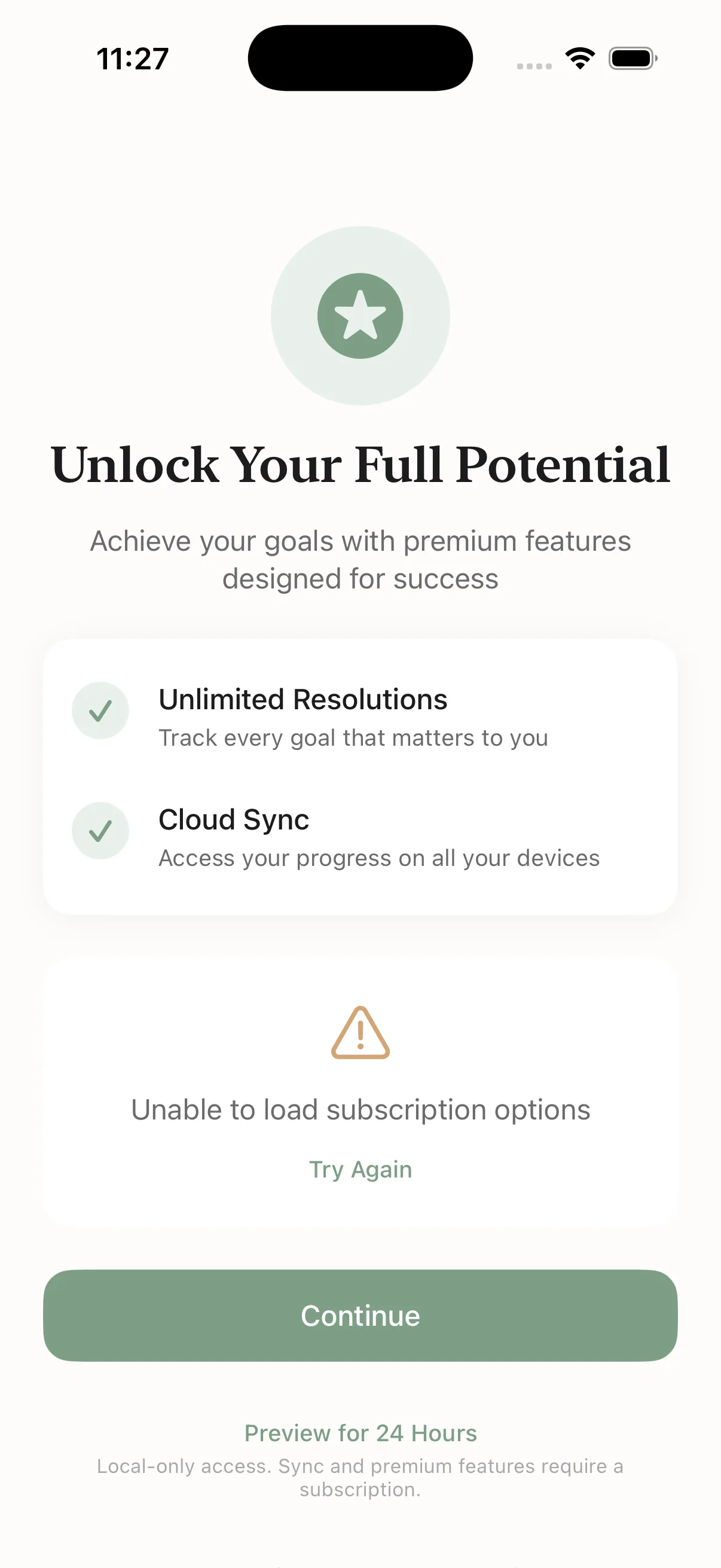
The final screen ends with "View Plans" instead of "Next." That tiny copy change makes the transition to monetization feel like progress, not a trap door.
Monetization should be a natural step. It should feel like the next level of the same experience, not a separate funnel.
The story behind "View Plans"
I tried a dozen labels. Most felt like a hard sell. "Upgrade" felt aggressive. "Continue" felt vague. "Next" felt like a trick.
"View Plans" sounded honest. It told the user exactly what would happen without forcing the decision. That one word shift lowered resistance.
Onboarding vs activation
Onboarding is not activation. Activation is the first real action. Onboarding is just the path to it.
If onboarding is perfect but activation is weak, the product still fails. That is why I obsess over the first action. The first action is the moment the app earns a place on the home screen.
When to break the rule
There are products that need more context. B2B software, finance, or anything with real risk might need more explanation. Even then, the idea per screen rule still applies.
The difference is the number of screens, not the structure. Clarity scales. Confusion does not.
What I would do next time
I would build the onboarding flow earlier in the process. It forces you to articulate the product. If you cannot explain the product in three screens, you do not understand it yet.
I would also prototype the flow before building the rest of the app. It is faster to change the story than to change the product after the fact.
What I cut
- Long tutorials
- Feature lists
- Multiple CTAs
- Overexplained copy
Onboarding is a doorway. The faster the user walks through it, the faster they reach the product.
Common mistakes I see
Most onboarding flows fail in the same ways.
They are too long. They try to teach everything. They hide the skip button. They overload the user with features before any value is felt.
The irony is that the more you explain, the less people remember. The more you try to be thorough, the less people feel confident.
What I focus on now
Onboarding is about confidence. The user should feel two things by the end: I get it, and I can do it.
If the flow does not create that feeling, it does not matter how pretty it looks.
Most apps treat onboarding like a marketing page. That is a mistake. A marketing page is about persuasion. Onboarding is about confidence. If the user feels capable, they keep going. If they feel sold to, they leave.
If you only change one thing, shorten the copy and add a skip button. Then watch the first action rate. It will tell you if the flow is working. Everything else is decoration. Do those three things and you will feel the difference.
How I test it
I watch how fast a new user can reach the first real action. If it takes too long, the onboarding is wrong.
I also watch how many people skip. A high skip rate is not a failure. It is a signal that people want to move. Let them.
If the product is strong, the product will carry them. Onboarding should never be the bottleneck.
The first action design
The first action should be the smallest real win you can offer. In a goal app, that means setting a single goal and logging the first step. It is not a tour. It is a moment of ownership.
When the first action is clear, the rest of the product becomes easier to learn in context. People are patient with friction after they have seen value. They are not patient before.
That is why I keep onboarding short and the first action obvious. It is the fastest path to retention.
That is the whole point.
The question I keep asking
What does your onboarding flow look like, and where does it lose people? Honest answers only.
Related Guides
- AI Product Validation Guide — Test the loop first
- How to Ship AI Products Fast — Ship in weeks, not months
- AI MVP in One Week — Day-by-day sprint plan
Related Stories
- XP, Streaks, and Badges in a Goal App — How gamification tripled retention
- Shipping an iOS App Solo — The full build story
Learn More
For the complete product system, join the AI Product Building Course.